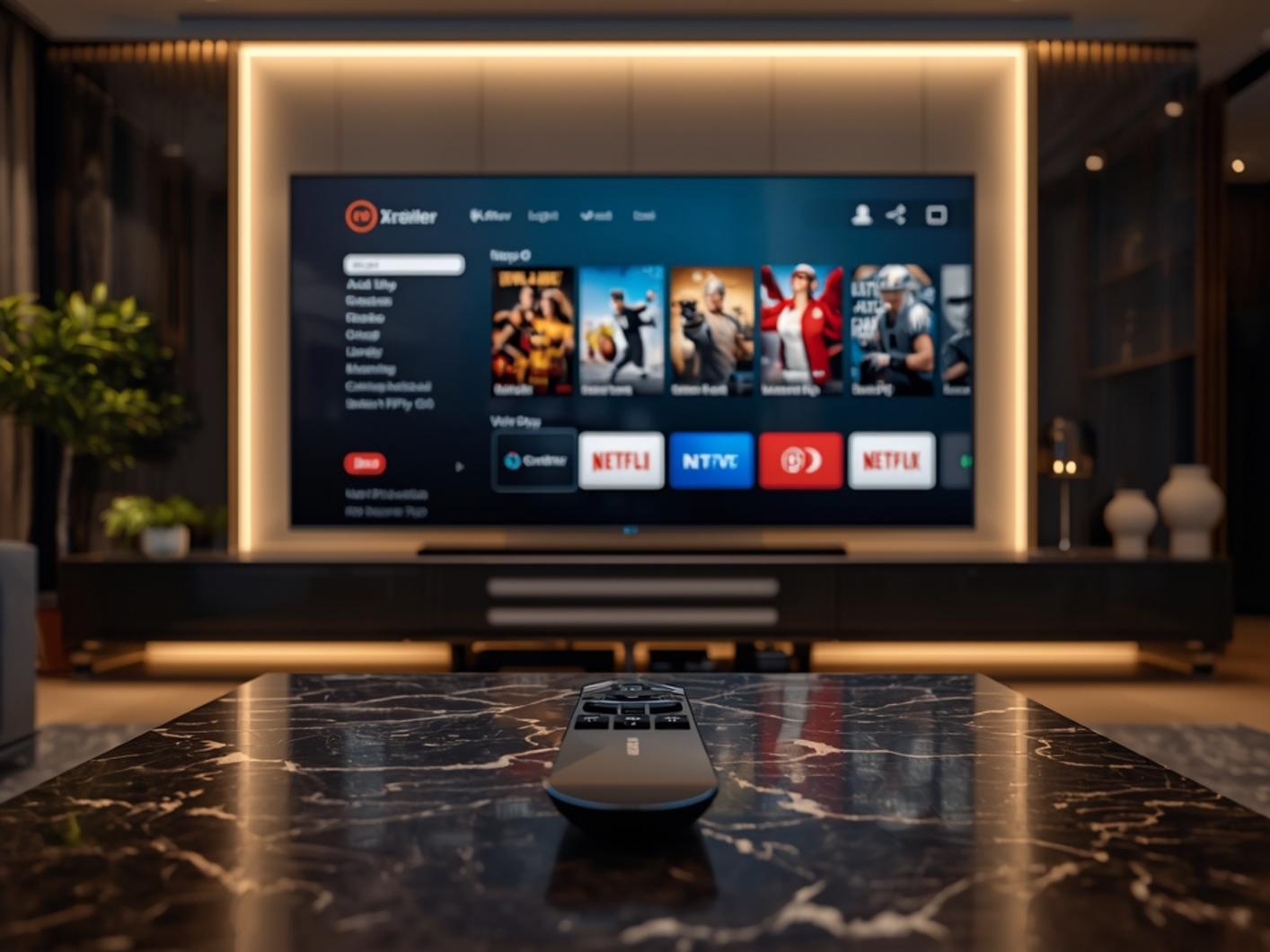
In today’s streaming landscape, more viewers are turning to IPTV solutions for accessing their favorite content. xtreme hd iptv has emerged as one of the leading services, offering extensive channel lineups and premium features that traditional cable can’t match. If you’re considering cutting the cord, understanding how to properly set up and optimize your xhd iptv subscription is essential for enjoying a seamless viewing experience. This comprehensive guide walks you through everything you need to know about installing IPTV on various devices, from technical requirements to troubleshooting common issues.
Technical Requirements & Apps
Before diving into the installation process, ensure you have all the necessary equipment:
1. Compatible Devices: Smart TVs (Samsung, LG, Android TV), Amazon Firestick/Fire TV, Apple TV, Android Boxes, Nvidia Shield, or computers/laptops
2. Internet Connection: Minimum 25 Mbps download speed (50+ Mbps recommended for 4K streaming)
3. IPTV Subscription: Valid subscription credentials (username/password or M3U URL)
4. Compatible Apps:
– For Android: IPTV Smarters Pro, TiviMate, GSE Smart IPTV
– For iOS: IPTV Smarters Pro, GSE Smart IPTV
– For Windows/Mac: VLC Media Player, Perfect Player
– For Smart TVs: Smart IPTV app, SS IPTV
Activation Timeline & Expectations

Once you’ve purchased your IPTV subscription, the activation process typically follows this timeline:
– Immediate to 24 hours: Initial activation of your account
– First 1-2 days: Service stabilization period as the system fully syncs
– 3-7 days: Optimal performance achieved as the system learns your viewing patterns
During the first week, you might experience minor buffering or channel loading issues. This is normal as the service adapts to your network environment. Most providers offer a short testing period to ensure compatibility with your setup before the full subscription begins.
Step-by-Step Installation Guide

Follow these detailed steps to install IPTV on your preferred device:
For Firestick/Fire TV:
1. Go to Settings > Device > Developer Options
2. Enable “Apps from Unknown Sources”
3. Download the Downloader app from the Amazon App Store
4. Open Downloader and enter the URL for your preferred IPTV app (e.g., IPTV Smarters Pro)
5. Install the app and launch it
6. Choose “Login with Xtreme Code” if using xtreme hd iptv or select “Add Playlist” for xhd iptv
7. Enter your provided credentials or M3U URL
8. Complete the setup by selecting your preferred categories
For Smart TVs:
1. Access your TV’s app store
2. Search for and install an IPTV player (Smart IPTV, IPTV Smarters, etc.)
3. Launch the app and follow the on-screen instructions for adding your subscription
Streaming Benefits & Advantages
The primary advantage of modern IPTV services is the superior quality they offer:
– Ultra HD/4K Resolution: Experience crystal-clear picture quality that surpasses traditional broadcast
– Multi-device Access: Use a single subscription across multiple devices simultaneously
– VOD Libraries: Access extensive on-demand content libraries including movies and series
– EPG Integration: Enjoy interactive electronic program guides for easy navigation
– Catch-up Features: Never miss a show with recording and timeshift capabilities
– Custom Channel Groups: Organize channels according to your preferences
Expert Tips & Alternatives
For optimal performance:
– Use Ethernet connections instead of WiFi when possible
– Consider premium IPTV players like TiviMate for enhanced features
– Set up VPN protection for added security and to avoid ISP throttling
– Create favorites lists for quick access to preferred channels
– Use external media players like VLC for problematic streams
– Regularly check for app updates to ensure optimal performance
Common Mistakes to Avoid
Even experienced users make these common errors:
– Using outdated apps or players
– Ignoring minimum internet speed requirements
– Installing too many IPTV apps on a single device (causing resource conflicts)
– Not allowing proper buffer time for HD/4K channels
– Using unofficial app versions that may contain malware
– Sharing subscription credentials beyond allowed connections
Maintenance & Performance Tips
To maintain optimal performance:
– Clear cache weekly in your IPTV app
– Restart your streaming device regularly
– Update your IPTV app to the latest version
– Monitor your internet speeds during peak usage times
– Consider a dedicated streaming device for the best experience
– Use external storage for recording if your device supports it
Conclusion
Installing and configuring your IPTV service doesn’t need to be complicated. With the right tools and approach, you can enjoy thousands of channels and on-demand content with superior quality. Whether you choose xtreme hd iptv or another provider like xhd iptv, following this guide will help you maximize your streaming experience and avoid common pitfalls. Remember that proper setup is the foundation for trouble-free IPTV enjoyment for years to come.
FAQs
Q: How many devices can I use with one IPTV subscription?
A: This varies by provider, but most allow 1-4 concurrent connections per subscription.
Q: Do I need a VPN with my IPTV service?
A: While not strictly required, a VPN is recommended for privacy, security, and to prevent potential ISP throttling.
Q: Why am I experiencing buffering with my IPTV channels?
A: Buffering typically results from insufficient internet speed, network congestion, or server issues. Try lowering the stream quality or connecting via Ethernet.
Q: Are IPTV services legal?
A: Legal IPTV services obtain proper licensing for content distribution. Always verify that your provider operates within legal parameters in your region.
Q: Can I watch local channels with IPTV?
A: Yes, most IPTV services include local channels from multiple regions, though availability varies by provider.
Have a question ?
Frequently asked questions.
What is Xtreme HD IPTV?
xtremehdiptv.io is the official website of popular IPTV service Xtreme HD IPTV for viewing international channels, as well as local US and Canadian channels, including sports, news, and movie channels; with no buffering or freezing.
Which devices can I use it on?
Xtreme HD IPTV service is available on the following devices:
- Amazon Fire TVs & Firesticks.
- Android TVs, Boxes, Phones and Tablets.
- iPhone, iPad, Macs & other iOS devices.
- Smart TVs (LG, Samsung, Sony, etc)
- Google Chromecast
- Android Emulators for Macs & Windows
What makes Xtreme HD IPTV different?
Xtreme HD IPTV offers lots of different and better features than other services, including:
- Large number of Live TV channels
- Over 30,000 VODs (Movies & Series) Included for free.
- Easy to setup Xtreme HD IPTV APK
- Anti-Free technology for a buffering-free viewing experience.
- All the major PPV and sports events.
- We also offer TV Guide, Catch-up, Multi-screen and DVR Recording features.
- And a lot more!
Do you offer installation help?
Of course! We are available 7 days a week to offer you all the help you need to install and use our service. Sign up here.
Read our XtremeHD IPTV installation setup for Amazon Firesticks: How to Download Xtreme HD IPTV on Firestick – Xtreme HD IPTV
Read our Xtreme HD IPTV installation setup for iOS devices: How to Download Xtreme HD IPTV on iPhone and Apple TV – Xtreme HD IPTV
Do you offer refunds?
We try our best to provide the best service, and while we know not everyone will be satisfied, it is technically not possible to offer a refund since issued lines can’t be re-issued to another customer. But we do offer a 24-hour free trial to test our service before you commit to a paid plan.
Is Xtreme HD IPTV legal?
Yes of course, please read more here: Is Xtreme HD IPTV Legal? Everything You Need to Know – Xtreme HD IPTV
Can I read an Xtreme HD IPTV review?
Yes of course, please read our Xtreme HD IPTV review here: Xtreme HD IPTV Review: Is It the Best Streaming Service Available? – Xtreme HD IPTV