In today’s digital age, streaming has revolutionized how we consume media. With xtreme hd iptv services gaining popularity, viewers now have access to thousands of channels and on-demand content. Getting an xtreme hd iptv subscription is just the first step – proper setup ensures you get the most out of your entertainment experience. This guide walks you through everything you need to know about setting up your streaming service for optimal performance.
Technical Requirements & Apps
Before diving into the installation process, ensure you have the following devices and applications ready:
1. Compatible Devices: Smart TV, Amazon Firestick, Roku, Android Box, Nvidia Shield, or any Android/iOS smartphone or tablet
2. Internet Connection: Minimum 25 Mbps for HD content, 50+ Mbps recommended for 4K streaming
3. IPTV Applications: IPTV Smarters Pro, TiviMate, GSE Smart IPTV, Perfect Player, or VLC Media Player
4. VPN Service (recommended): For enhanced privacy and to avoid potential ISP throttling
5. Storage Space: At least 2GB free space on your device for application and data caching
Having these elements prepared beforehand will ensure a smooth setup process and prevent common frustrations.
Activation Timeline & Expectations

After purchasing your subscription, here’s what to expect:
– Initial Activation: 2-24 hours for credentials to be delivered
– First Month Performance: Expect a short adjustment period as the service optimizes for your network
– Channel Updates: Typically occurs monthly with minimal disruption
– Support Response Time: 24-48 hours for technical issues
– Renewal Process: Should be completed 2-3 days before expiration to avoid service interruption
Setting realistic expectations helps ensure you enjoy your streaming experience without unnecessary frustration due to common misconceptions about service timelines.
Step-by-Step Installation Guide
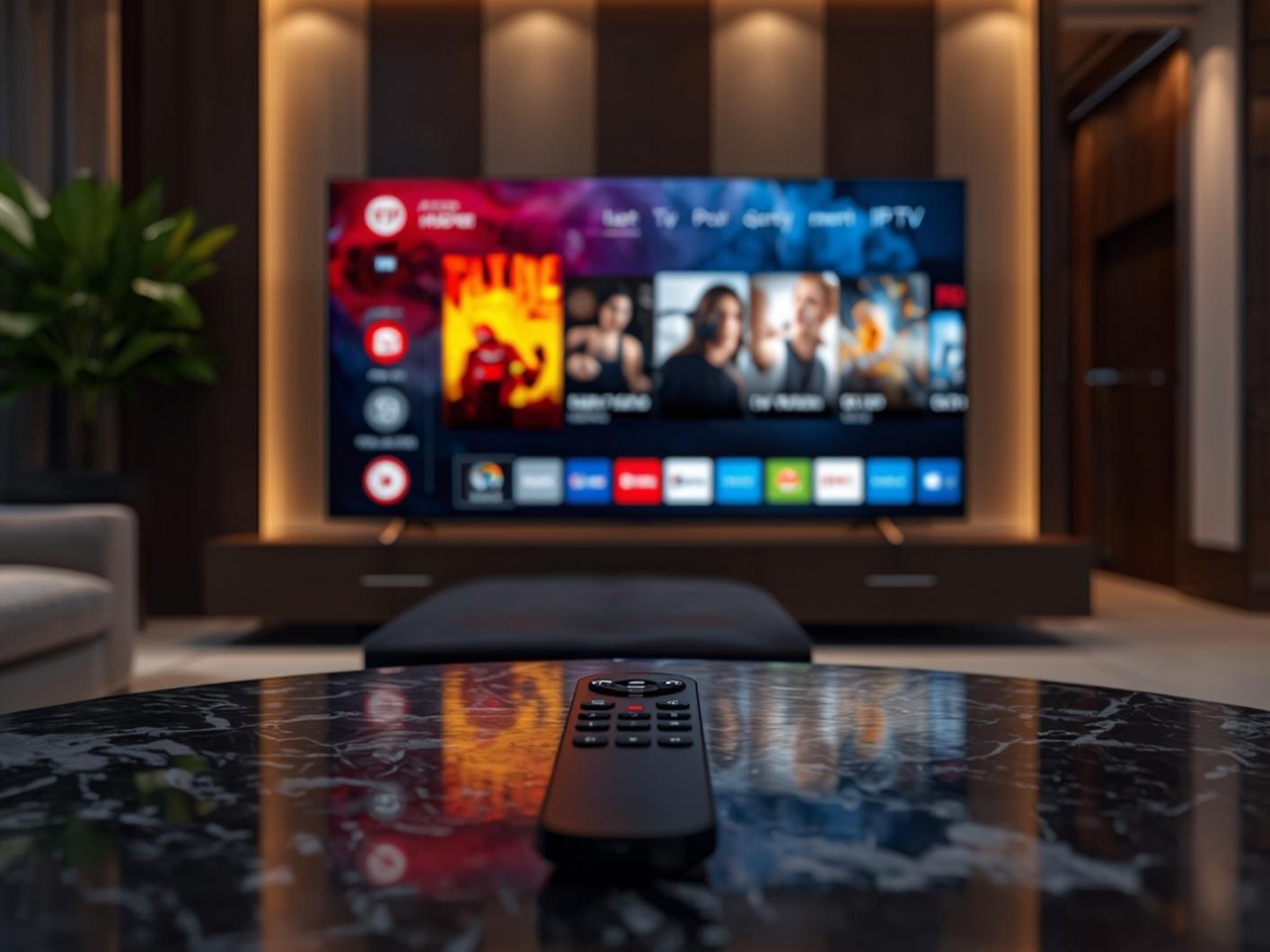
Follow these steps to install your xtreme hd iptv service:
1. Download Your Preferred App: Install IPTV Smarters Pro or TiviMate from your device’s app store
2. Launch the Application: Open the app and look for “Add New Playlist” or “Add Subscription”
3. Enter Credentials: Input the username and password from your xtreme hd iptv subscription email
4. Configure EPG (Electronic Program Guide): Set the EPG URL provided in your welcome email
5. Optimize Settings: Adjust video quality based on your internet speed (Auto is recommended)
6. Create Favorites: Organize channels into categories for easier navigation
7. Test Connectivity: Ensure all channels load properly before finalizing setup
This process typically takes 10-15 minutes for first-time users and significantly less for experienced streamers.
Streaming Benefits & Advantages
The primary advantages of modern streaming services include:
– Superior Quality: Access to UHD/4K content that rivals traditional cable
– Content Variety: Thousands of channels from different countries and categories
– Multi-Device Compatibility: Watch on up to 4 devices simultaneously with a single subscription
– Time-Shifting Features: Catch up on missed shows with built-in recording capabilities
– Cost Efficiency: Save up to 80% compared to traditional cable subscriptions
These benefits make streaming services increasingly attractive for entertainment seekers worldwide.
Expert Tips & Alternatives
To maximize your streaming experience:
– Use Ethernet Connections: Whenever possible, use wired connections instead of Wi-Fi
– Consider External Players: VLC or MX Player often provide better codec support
– Customize Buffer Settings: Increase buffer time if experiencing intermittent streaming issues
– Create Backup Connections: Configure multiple servers when available
– Explore IPTV Players: Different apps offer unique features – TiviMate provides an excellent interface while Perfect Player offers stability
Common Mistakes to Avoid

Watch out for these common pitfalls:
– Using Outdated Applications: Always keep your streaming apps updated
– Ignoring VPN Protection: Streaming without protection may lead to privacy concerns
– Incorrect Server Selection: Choose servers closest to your location
– Overlooking Device Limitations: Older devices may struggle with high-definition streams
– Forgetting to Clear Cache: Regular maintenance prevents playback issues
Maintenance & Performance Tips
For optimal long-term performance:
– Clear application cache monthly
– Restart your devices weekly
– Update applications when prompted
– Monitor internet speed regularly
– Perform periodic network resets
– Check for firmware updates on streaming devices
Conclusion
Setting up your xtreme hd iptv service doesn’t have to be complicated. By following this guide, you can enjoy seamless streaming with minimal technical issues. Remember that proper configuration and regular maintenance are key to getting the most from your xtreme hd iptv subscription. With these tools and knowledge, you’re well-equipped to transform your entertainment experience.
FAQs
How many devices can I use with one subscription?
Most services allow 1-4 concurrent connections depending on your subscription plan.
Do I need a VPN with my streaming service?
While not strictly required, a VPN is highly recommended for privacy and to prevent potential ISP throttling.
What’s the best app for streaming on a Firestick?
TiviMate and IPTV Smarters Pro are considered the top applications for Firestick due to their interface and performance.
Why does my stream buffer despite fast internet?
Buffering can occur due to server load, ISP throttling, or device limitations even with fast internet. Try changing servers or using a VPN.
How often should I update my streaming applications?
Always update when prompted or check for updates monthly to ensure optimal performance and security.