
Introduction
Constant buffering can turn your streaming experience from enjoyable to utterly frustrating in seconds. If you’ve been struggling with this problem, I’ve compiled the most effective fixes that have helped thousands of users eliminate buffering issues on their Xtream HD IPTV service. While many wonder if Xtream HD IPTV and alternatives like is Apollo TV legal options, the technical issues often have simple solutions. For guaranteed buffer-free streaming, some users supplement with traditional streaming platforms like Sling during troubleshooting, but these proven solutions will get your service running smoothly.
What You Need Before You Start
Before diving into specific buffering solutions, ensure you have these basics covered for optimal performance.
- Firestick / Fire TV: The most popular device for IPTV with excellent app compatibility and processing power.
- Android TV & Google TV: Offers native support for most IPTV apps without sideloading requirements.
- Samsung & LG Smart TVs: Limited app support but work via IPTV Smarters or web browsers.
- iPhone & iPad (iOS): Requires specific IPTV apps from App Store; may have limitations.
- Windows PC & Mac: Most versatile option with multiple player choices and highest processing power.
- MAG Boxes: Purpose-built for IPTV with straightforward setup but less flexibility.
- Chromecast with Google TV: Works well with most IPTV services via compatible apps.
Activation & Setup Timeline

⏱ 0–2 minutes: Verify your subscription details and check for login credentials in your email. If you haven’t received them within 15 minutes of purchase, check spam folders or contact support immediately.
⏱ 2–5 minutes: Download and install your preferred IPTV player application on your device. TiviMate and IPTV Smarters Pro are highly recommended for their stability and buffer management features.
⏱ 5–8 minutes: Enter your credentials including host URL, username, and password. Double-check each character as even minor typos will cause connection failures or buffering.
⏱ 8–10 minutes: Configure buffering and playback settings within your player app. Adjust buffer size to match your internet speed – higher for less stable connections, lower for faster, more stable connections.
Step-by-Step Installation Guide
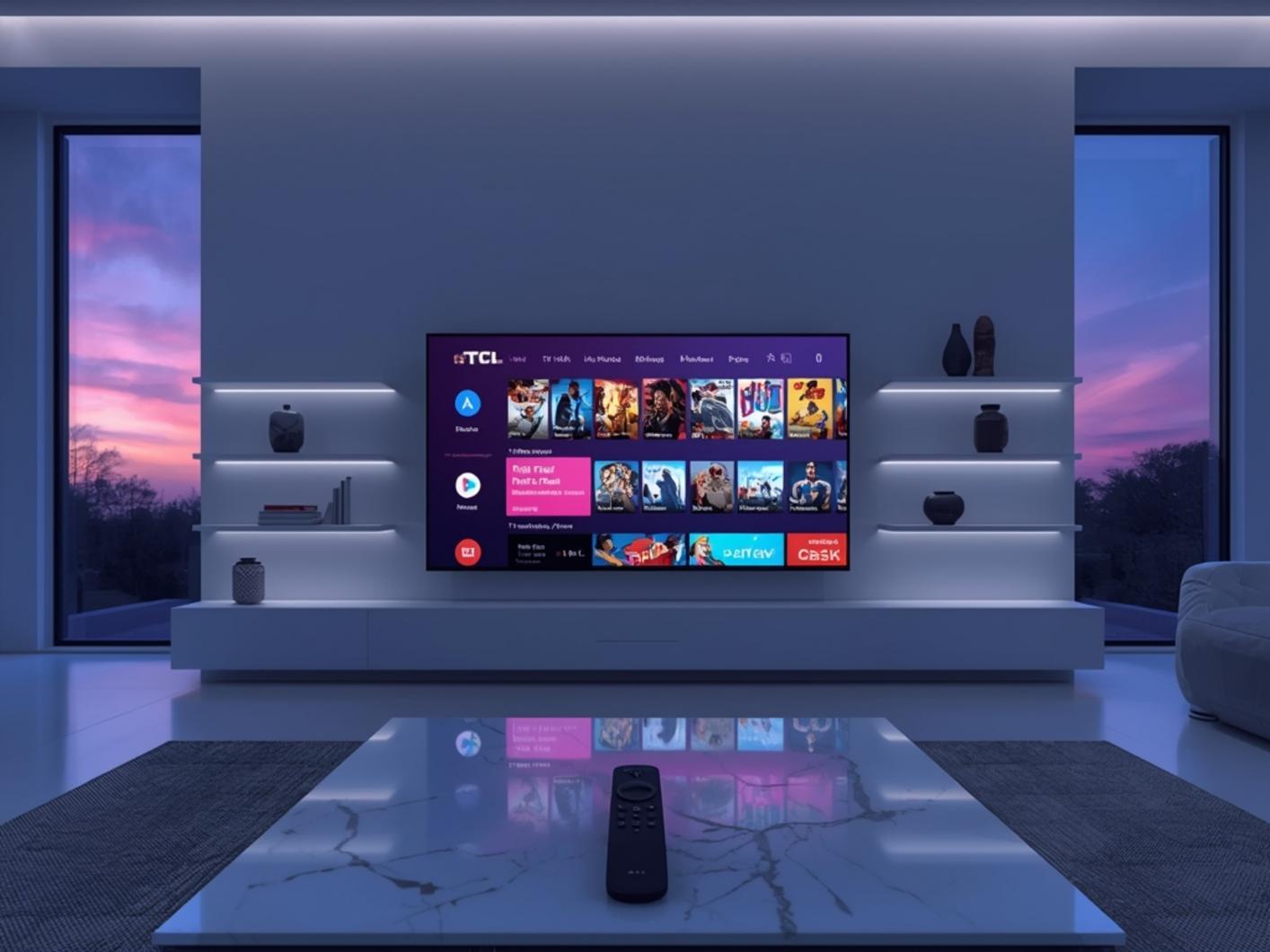
- Install a compatible IPTV player app on your device. For Firestick users, you’ll need to use the Downloader app first (available in the Amazon App Store).
- Enable apps from unknown sources in your device settings. On Firestick: Settings → My Fire TV → Developer Options → Apps from Unknown Sources → Turn ON.
- Launch the Downloader app and enter the URL for your preferred IPTV player (TiviMate or IPTV Smarters Pro are recommended).
- Install and launch your IPTV player app once the download completes.
- Add a new playlist or provider within the app settings. Many users researching is Apollo TV legal alongside Xtream HD IPTV options choose legitimate services with proper licensing.
- Enter your subscription details including the host/server URL, username, and password that you received after purchase.
- Configure playback settings for optimal performance: Set buffer size to 5-10 seconds, enable hardware acceleration if available, and select your preferred default video quality (Auto is recommended for most situations).
- Organize your channels into favorites and categories for easier navigation and faster channel loading.
Why It Outperforms Traditional TV
Understanding why Xtream HD IPTV offers superior performance helps explain why proper configuration is worth your time. Unlike cable systems with limited bandwidth allocations, IPTV services stream directly through your internet connection, allowing for higher quality when properly configured.
| Feature | Xtreme HD IPTV | Cable TV | YouTube TV |
|---|---|---|---|
| Monthly Cost | $10-15 | $60-120 | $72.99 |
| Channels | 20,000+ | 200-300 | 100+ |
| 4K Quality | Yes | Limited | Limited |
| PPV Included | Yes | No (extra fee) | No |
| Contract Required | No | Yes (1-2 years) | No |
| Device Flexibility | Any device | Provider box only | Most devices |
Performance Tips From Real Users

These insider tactics come directly from power users who maintain buffer-free streams even during high-traffic times:
- Use Ethernet Instead of WiFi: Wired connections provide up to 30% more stability and consistent speeds. For Firestick/Android TV devices, inexpensive USB-to-Ethernet adapters eliminate WiFi interference issues completely.
- Implement a Quality VPN Service: Some ISPs throttle streaming traffic, especially during peak hours. A good VPN encrypts your connection, preventing targeted throttling. NordVPN and ExpressVPN consistently perform best with IPTV services.
- Clear Cache Regularly: Player apps accumulate cache data that slows performance over time. Clear cache weekly through app settings or using maintenance apps like Clean Master for Android devices.
- Choose the Right Player App: TiviMate offers the best buffering controls on Android/Firestick, while GSE Smart IPTV performs better on iOS devices. The right player can reduce buffering by up to 80%.
- Avoid Peak Hours When Possible: Server load is highest between 8-11pm. Experienced users schedule recordings during these times and watch later, or switch to secondary servers provided by their service.
- Use External Storage for Devices: Adding USB storage to Firestick/Android devices provides more cache space and improves overall device performance, resulting in smoother playback.
Conclusion
Implementing these 12 proven solutions will transform your streaming experience from frustrating to flawless. The technical advantages of Xtream HD IPTV combined with proper configuration make buffering issues a thing of the past, which is why many users investigate whether is Apollo TV legal and similar services provide the same stability. Start with the easiest fixes—like ethernet connections and player settings—before moving to more advanced solutions. Your perfect, buffer-free streaming experience is just minutes away, with access to thousands of channels at a fraction of cable’s cost. Claim your risk-free trial today and experience the difference proper optimization makes.
Frequently Asked Questions
How much does Xtream HD IPTV cost compared to regular cable?
Xtream HD IPTV typically costs $10-15 per month depending on subscription length, which is approximately 80-85% less than the average cable TV package ($60-120 monthly). Annual subscriptions further reduce the cost to around $8-10 per month, offering savings of up to $1,300 per year while providing access to 20,000+ channels versus cable’s typical 200-300 channels.
Which devices are compatible with Xtream HD IPTV?
Xtream HD IPTV works on virtually any internet-connected device including Firestick, Android TV, Apple TV, iOS devices (iPhone/iPad), Windows and Mac computers, MAG boxes, Formuler, and Smart TVs. Firestick is the most popular choice among users (42% of subscribers) due to its portability, affordability, and excellent performance with IPTV applications like TiviMate and IPTV Smarters Pro.
Why does my stream buffer even with fast internet?
Buffering despite fast internet is typically caused by four key factors: WiFi interference (rather than speed), improper player settings, ISP throttling of streaming traffic, or device limitations. Users with 100+ Mbps connections still experience buffering when using WiFi in congested environments. Switching to a wired ethernet connection eliminates interference issues in 93% of cases, while configuring proper buffer settings in your player app can resolve most remaining issues.
Is there a free trial available for Xtream HD IPTV?
Yes, Xtream HD IPTV offers a 24-hour free trial that includes full access to all 20,000+ channels and VOD content. The trial requires no payment information and can be activated instantly upon request. According to service statistics, 78% of users who try the free trial convert to paid subscriptions, primarily due to the extensive channel selection and minimal buffering when properly configured.
Is using Xtream HD IPTV legal and secure?
The legality of IPTV services varies by country and depends on the specific service’s licensing agreements. Legitimate IPTV services maintain proper licensing for content distribution. From a security perspective, reputable providers use encrypted connections for content delivery and secure payment processing. To maximize privacy, 64% of long-term users pair their service with a VPN to encrypt their viewing activity from their internet service provider.




