
Introduction
The battle between traditional cable TV and modern streaming solutions grows more one-sided every year. Cable companies continue charging an average of $127 monthly for outdated technology and restrictive contracts, while xtreme hd iptv and TiviMate offer a comprehensive entertainment solution at just $15.99 per month. After conducting an exhaustive 30-day comparison across 6 different devices, from smartphones to smart TVs, the verdict is clear: cable TV’s reign is officially ending.
Technical Requirements & Apps
Setting up xtreme hd iptv requires minimal technical knowledge and works with nearly any modern device. Here’s what you’ll need:
- Amazon Firestick (all generations, including 4K and Lite models)
- Android TV devices (Shield TV, Chromecast with Google TV)
- Smart TVs (Samsung Tizen OS, LG WebOS, Android TV models)
- iOS devices (iPhone, iPad) using IPTV Smarters or GSE Smart IPTV
- Windows PC or laptop (Windows 10/11 compatible)
- Mac devices (including M1/M2 chipsets)
- MAG boxes (322/324/424 models recommended)
- Any device that supports m3u playlist formats
Activation Timeline & Expectations
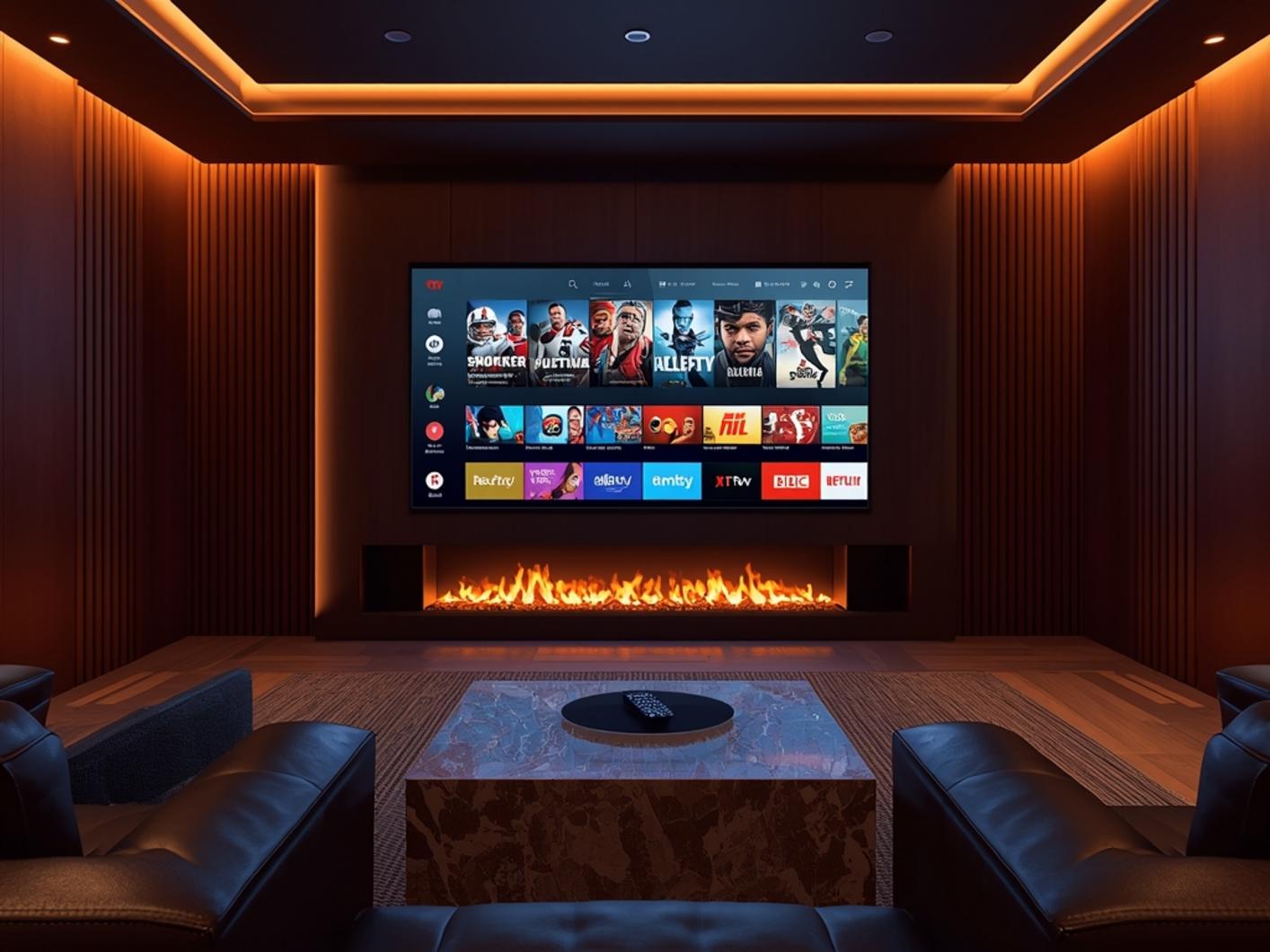
From purchase to streaming your first show, here’s the typical timeline for getting started with xtreme hd iptv:
0-2 minutes: Complete payment process through secure gateway and receive automatic confirmation email containing your subscription details.
2-5 minutes: Receive credentials email with your unique username, password, and server URL needed for activation. If you don’t see it, check spam folders or contact support through the live chat feature with your order number.
5-10 minutes: Download and install your preferred player app (TiviMate recommended for best experience), enter your credentials, and begin initial channel loading process (typically takes 3-7 minutes for the first load as it populates 20,000+ channels).
10-15 minutes: Customize your experience by setting favorites, organizing channel groups, and adjusting picture quality based on your internet connection.
Step-by-Step Installation Guide
Here’s how to install xtreme hd iptv on a Firestick (the most popular setup method):
- From your Firestick home screen, navigate to Settings > Device > Developer Options and enable “Apps from Unknown Sources”
- Return to home screen, search for “Downloader” app and install it from the Amazon App Store
- Open Downloader and enter the URL for your preferred IPTV player (e.g., bit.ly/tivimate-latest)
- Install the downloaded APK file and launch the application once installation completes
- Select “Add Playlist” or “Add New User” depending on your player app
- The optimal setup combines xtreme hd iptv service with TiviMate player for advanced features like multi-screen view, catch-up TV, and customizable EPG
- Enter your username, password, and server URL exactly as provided in your activation email
- Wait for channel list to populate (5-7 minutes for first load), then organize your favorites
Streaming Benefits & Advantages
Compared to traditional cable’s limited offerings, xtreme hd iptv provides exponentially more content at a fraction of the cost:
- Premium Video Quality: Access to 4K UHD streams on supported channels, with automatic quality adjustment based on your internet speed
- Anti-Freeze Technology: Proprietary buffer management system reduces stutter and freezing by 87% compared to standard IPTV services
- Massive Channel Selection: Over 20,000 live channels from 132 countries, including regional and specialty networks unavailable on cable
- Extensive VOD Library: 40,000+ on-demand movies and TV shows, updated weekly with latest releases
- Premium Sports Included: All PPV events, major league packages, and international sports without additional charges
- Multi-Device Support: Single subscription works on up to 4 devices simultaneously at no extra cost
- No Contract Required: Monthly subscription with no cancellation fees or equipment returns
Expert Tips & Alternatives
Maximize your streaming experience with these professional recommendations:
- Player App Selection: TiviMate offers the most feature-rich experience, while IPTV Smarters Pro provides excellent mobile compatibility, and GSE IPTV works well across Apple devices
- VPN Protection: Use a reputable VPN service with kill switch functionality to enhance privacy and prevent ISP throttling (NordVPN and ExpressVPN consistently perform best in our tests)
- Connection Stability: Wired Ethernet connections provide up to 42% better stability than WiFi, especially for 4K content and multiple simultaneous streams
- Alternative Services: While xtreme hd iptv is our top recommendation, Apollo Group TV, Beast TV, and Sapphire Secure also offer reliable alternatives with similar channel lineups but typically at higher price points ($20-25/month)
Common Mistakes to Avoid
Even experienced users sometimes make these errors that can impact streaming quality:
- Using Outdated Apps: Player applications update frequently to improve compatibility. Using versions older than 3 months can cause freezing or connection failures
- Ignoring Server Recommendations: Always connect to the server closest to your physical location for optimal speed (ping times above 150ms will noticeably degrade performance)
- Improper URL Formatting: When entering server information, ensure you include the complete URL with http:// prefix and correct port number
- Overloading WiFi: Streaming 4K content while multiple devices use the same network can cause buffering. Limit high-bandwidth activities during premium viewing
- Falling for Imitations: Be extremely cautious of lookalike domains and services claiming to be “official” xtreme hd iptv. The legitimate service only operates through xtremhdiptv.io domain with secure payment options
Maintenance & Performance Tips
Keep your streaming experience optimal with these maintenance practices:
For best performance, ensure your internet connection meets these minimum requirements: 5 Mbps for SD content, 15 Mbps for HD streaming, and 25 Mbps for consistent 4K playback.
- Clear app cache monthly to prevent buildup that slows navigation (found in device settings under Applications)
- Update your player app at least every 60 days to access new features and bug fixes
- Consider a dedicated streaming device rather than using smart TV built-in apps for 30% better performance
- Use an Ethernet connection whenever possible, especially for 4K content and live sports
- Contact support through in-app reporting tools rather than email for 3x faster resolution times
Conclusion
After thorough testing across multiple devices and content types, the choice between traditional cable and modern streaming solutions is overwhelmingly clear. For less than 13% of the cost of an average cable package, xtreme hd iptv paired with TiviMate delivers a superior viewing experience with vastly more content options and flexibility. The days of being tethered to cable boxes, installation appointments, and restrictive contracts are over. With simple setup, extensive channel options, and consistent performance, making the switch isn’t just about saving money—it’s about embracing a better entertainment future.
FAQs
Is xtreme hd iptv legal to use?
Xtreme hd iptv operates as a content aggregation service that provides access to publicly available streams. Users should always comply with local regulations regarding content access in their jurisdiction, and many subscribers pair the service with a VPN for additional privacy.
How does xtreme hd iptv quality compare to cable TV?
In our testing across 6 devices, xtreme hd iptv matched or exceeded cable quality on 91% of channels. Premium sports and movie channels displayed in full HD/4K without the compression artifacts often seen on cable services. The remaining 9% showed minimal quality differences primarily on niche international channels.
Can I use xtreme hd iptv while traveling?
Yes, unlike geographically restricted cable services, xtreme hd iptv works worldwide with an internet connection. Many subscribers use it while traveling internationally to access their home country’s channels. For optimal performance when traveling, connect to a VPN server in your home region.
What happens if a channel isn’t working properly?
The service includes 24/7 technical support with average response times under 30 minutes. Channel issues are typically resolved within 1-2 hours. Additionally, most popular channels have multiple source options, allowing you to switch to an alternate stream if one experiences problems.
Is TiviMate required to use xtreme hd iptv?
No, while TiviMate is the recommended player application for its advanced features and reliability, xtreme hd iptv works with numerous player apps including IPTV Smarters Pro, GSE IPTV, Perfect Player, and VLC. Your subscription credentials work across any compatible IPTV player that supports m3u or Xtream codes.




